
Important: Member Information Update Request (For Customers Migrating from the Old Site)
Thank you for your continued patronage of Cigarro.
With the completion of our site renewal, we kindly request that members who have migrated from the old site update their membership information.
We apologize for the inconvenience, but please update your membership information by following the steps below, only for the first time.
*To customers who registered with a carrier email address (@docomo, @ezweb, @i.softbank, etc.)
Currently, there is an issue where emails cannot be sent properly in some environments. If you do not receive a password update email, please notify us of your name and registered email address here.
[How to update your password]
1. Click on the link below
https://cigarro-jp.myshopify.com/account/register
2. Enter your name (first and last), the email address you registered with on the old site, and your new password, then review and check the terms and conditions, and click the "Create" button.
*Please set a password of 5 characters or more.

3. You will receive the following email at the address you provided. Please check it.
Sender: shop@cigarro.co.jp
Subject: [Cigarro Official Online Store] Account Activation Request
4. You are done when you click the "Activate Account" button in the email.

[To customers who do not receive emails]
If you have not received an email at your address, please check the following:
① Check your spam folder.
② Check your email server's capacity. If it's full, delete email data or increase server capacity.
③ If you still cannot find the email after following the above steps, please contact customer care here.
If you have any questions or concerns regarding this password update, please feel free to contact customer care. Our support team will guide you to ensure you have no remaining worries.
(Customer Care Representative: Togawa)
[Toll-free number] 0120-936-916 (Mon-Fri 10:00-17:00, excluding weekends and holidays)
[Email] shop@cigarro.co.jp
Recommendations for you


Everyday moisturizer
Everyday moisturizer
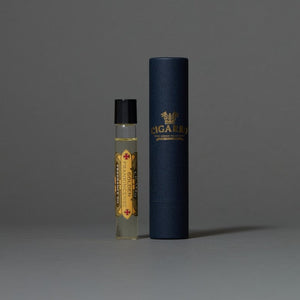


Fragrance Oil Golden Frankincense
Fragrance Oil Golden Frankincense


Eau de Toilette Golden Frankincense
Eau de Toilette Golden Frankincense

Set of 3 Fragrance Oils
Set of 3 Fragrance Oils


CIGARRO Daily Carry Set Golden Frankincense
CIGARRO Daily Carry Set Golden Frankincense
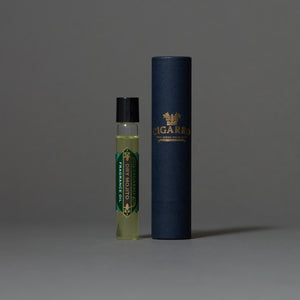
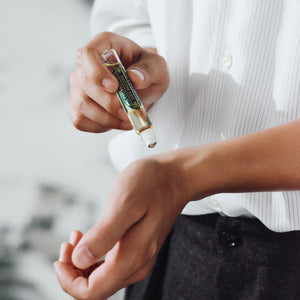
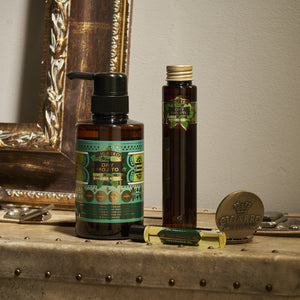
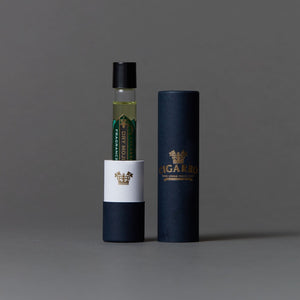
Fragrance Oil Dry Mojito
Fragrance Oil Dry Mojito
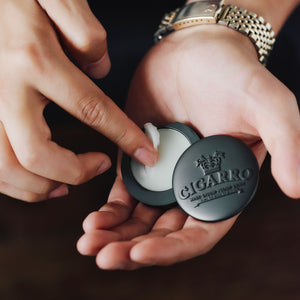


Solid Perfume Golden Frankincense (Slide Type)
Solid Perfume Golden Frankincense (Slide Type)



Mouthwash 200mL with shot glass and wooden box
Mouthwash 200mL with shot glass and wooden box


Shower Gel Golden Frankincense 300mL
Shower Gel Golden Frankincense 300mL
